Cemetery plot tracking software helps your staff manage inventory by replacing paper ledgers and spreadsheets with a single, centralized digital system. This ensures every plot, lot, and niche is accurately accounted for, preventing double sales and making space information instantly accessible. The core function of this software is to create a reliable, searchable inventory of all saleable spaces, their status, ownership, and history.
What Problems Does Inaccurate Plot Tracking Cause?
Inaccurate plot tracking leads to serious operational errors, financial liabilities, and damage to a cemetery's reputation with the families it serves. When records are scattered across paper maps, lot cards, and spreadsheets, inconsistencies are inevitable, creating significant risks for the cemetery.
The most critical error is accidentally selling the same space twice. This creates an emotionally devastating situation for the families involved and can lead to significant legal and financial consequences. Beyond this worst-case scenario, poor record-keeping causes daily operational friction. Staff can spend hours searching for information that should be available in seconds, leading to delays and frustration for both employees and families.
Lost revenue is another major consequence. When the status of spaces is unclear, your sales staff cannot confidently sell available inventory. Spaces may be mistakenly marked as occupied or reserved when they are actually available for sale. Conversely, you might lose track of which spaces have been sold but not yet used, leading to confusion during at-need situations. These issues erode trust and create an impression of disorganization at a time when families need calm, confident support.
How Does Cemetery Plot Tracking Software Centralize Your Inventory?
Cemetery plot tracking software centralizes your inventory by creating a single source of truth for every space on your grounds. Instead of relying on a physical map in one office and a spreadsheet in another, all authorized staff access the same up-to-date information through a shared digital platform. This system is built around a logical hierarchy that mirrors the physical layout of your cemetery.

This structure typically follows a clear path: the overall organization contains one or more cemeteries, which are divided into sections, and then into smaller subsections or lots. The final, individual unit is the space itself—be it a grave, niche, or crypt. Within the software, each space becomes a detailed digital record. This record contains not just its location but its current status: available, sold, reserved, or occupied. This eliminates the guesswork and manual cross-referencing that plagues paper-based systems.
For example, when a family inquires about purchasing a plot, a staff member can use the software to instantly filter for all available spaces in a desired section. They can see the price, size, and any other relevant details without leaving their desk or making a call to the groundskeeper. This centralized approach ensures that when a space is sold, its status is updated in real-time for everyone, making it impossible to sell again. This is a fundamental improvement over systems where a sale might be noted on a lot card but not updated on the master map for days or weeks.
What Key Information Should You Track for Each Space?
For each space in your cemetery, you should track its location, status, ownership history, interment records, and any associated financial details. A comprehensive digital record prevents ambiguity and provides a complete picture for both administrative and operational tasks. Maintaining this level of detail is a core function of effective cemetery plot management and inventory systems.
Here are the essential data points to track for every space:
- Location Identifiers: This includes the unique space ID along with its section, subsection, lot, and space number. This precise location data is critical for grounds crews performing openings and closings and for staff helping families find their loved ones.
- Status: At a minimum, the status should be clearly marked as Available, Sold, or Occupied. More advanced systems might include statuses like Reserved (for payment plans) or On Hold.
- Ownership Records: Track the current owner(s) of the interment rights, the date of purchase, and the deed or contract number. A robust system will also maintain an append-only transfer history, showing a complete chain of ownership over time.
- Interment Details: For occupied spaces, you must record the full name of the deceased, date of birth, date of death, and date of interment. This connects the person's record to the specific physical space.
- Pricing and Financials: The sale price of the space, associated perpetual care contributions, and links to the relevant invoice and payment records should all be part of the space's history.
- Memorial Information: If a marker or monument is present, details about its type, material, and installation date can be tracked. This is useful for both maintenance and family inquiries.
By diligently tracking this information in a unified system, you create a complete and reliable record that serves every function of the cemetery, from sales and billing to grounds maintenance and long-term historical preservation.
The Process of Migrating from Paper to Digital Plot Tracking
Migrating from paper records to digital plot tracking is a systematic process of auditing your existing documents, digitizing the data, and validating it against your physical grounds. The goal is to consolidate all your scattered information into a single, clean, and accurate database. This project requires careful planning and attention to detail but is the foundation for all future operational improvements.
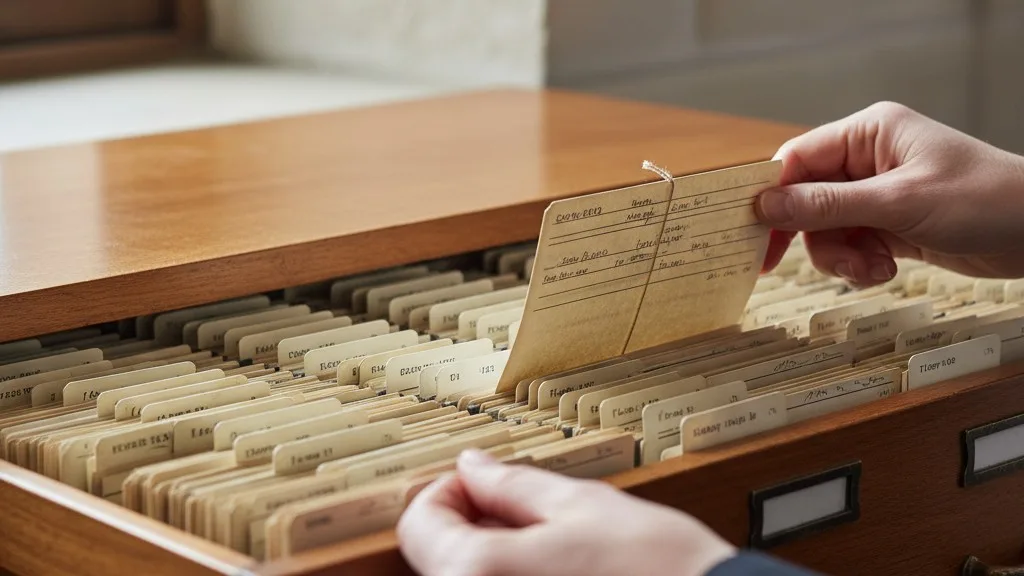
First, you must gather all existing records. This includes large-scale maps, plat books, lot cards in file drawers, binders of deeds, and any spreadsheets used by office staff. Once assembled, you begin the process of a cemetery records audit. This involves comparing records against each other to identify discrepancies. For example, a lot card might show a space as sold to one person, while a deed shows it belonging to another. Each of these conflicts must be flagged for investigation.
Next is the data entry phase, where the information from your verified paper records is entered into the cemetery software. This is often the most time-consuming step, but it's where your new, clean database starts to take shape. Many cemeteries choose to do this in phases, perhaps starting with one section or focusing on digitizing all new sales first while working backward through historical records over time.
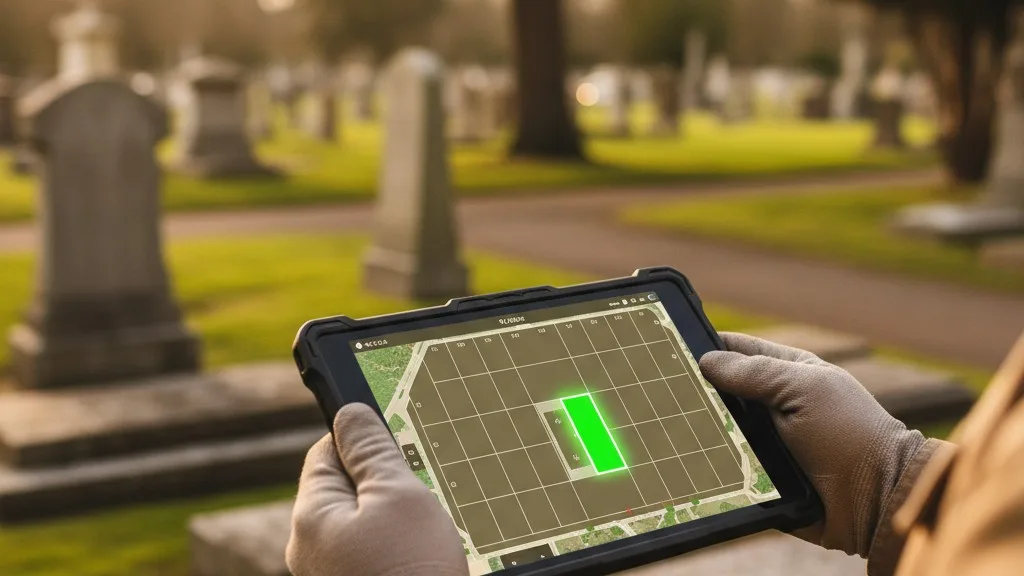
The final and most crucial step is validation, often called a ground-truthing audit. This involves taking a tablet or laptop with the new software into the cemetery and comparing the digital records against the physical reality of the headstones and markers. This process uncovers records for which there is no physical marker, or markers for which there is no paper record. Resolving these final discrepancies is what ultimately creates a truly trustworthy inventory. While it's a significant undertaking, the result is a reliable system that eliminates the risks and inefficiencies of your old methods.
How Sunset Helps with Plot, Lot, and Space Tracking
Sunset cemetery software is designed specifically to solve the challenge of tracking plots, lots, and spaces with precision and clarity. It provides a single system where all staff—from the office to the grounds—can access the same reliable information about every space in your cemetery. The platform is built around a clear hierarchy of Cemetery, Section, Subsection, and Space, allowing you to model your digital records to match your physical layout.
When you use Sunset, each space has a detailed profile that tracks its status in real-time. When a plot is sold, it is immediately marked as such for all users, preventing the possibility of it being sold again. The system maintains a complete, append-only history of ownership transfers, so you always have a clear record of who holds the interment rights. For interments, Sunset links the deceased person's record directly to the space they occupy, creating a permanent and easy-to-find connection.
Sunset also connects your inventory directly to your sales and financial operations. You can generate contracts and deeds, create invoices, and record payments all within the same system that manages your plot inventory. For cemeteries using QuickBooks Online, Sunset offers a direct sync that keeps your accounting records aligned with your sales activity. This integration eliminates the need for double entry and reduces the chance of clerical errors, saving your staff valuable time and ensuring your financial reporting is accurate.
Frequently Asked Questions
How long does it take to digitize our cemetery's plot records?
The time it takes to digitize your plot records depends on the number of spaces, the condition of your existing records, and the resources you can dedicate to the project. For a small cemetery with well-organized records, the process might take a few weeks. For a large, historic cemetery with decades of conflicting paper documents, it could take several months or even longer. Many cemeteries phase the project, starting with their most active sections first.
What if our paper maps don't match our lot cards?
Discrepancies between different types of paper records are very common and are a primary reason for moving to a digital system. When you find a conflict, you must investigate further by looking for deeds, contracts, or other supporting documents. If a conflict cannot be resolved through paperwork, a physical audit of the grounds—comparing markers to your records—is often the final step to determine the correct status of a space.
Can we track different types of spaces, like niches and graves?
Yes, modern cemetery plot tracking software is designed to handle various types of inventory. You can define spaces as in-ground graves, mausoleum crypts, or columbarium niches. The system allows you to manage the unique attributes and capacity of each space type, such as tracking multiple interments within a single family plot.
How does software help our grounds crew?
Cemetery software helps grounds crews by giving them access to accurate, up-to-date work orders and maps on a tablet or phone. When an interment is scheduled, the software can provide the precise location of the space, along with any notes about digging or marker placement. This eliminates confusion and prevents errors like opening the wrong grave, ensuring that the grounds team is working from the same information as the office.
A Reliable Inventory Is Within Reach
Moving from a patchwork of paper and spreadsheets to dedicated cemetery plot tracking software is the single most effective step you can take to secure your records and streamline your operations. It eliminates the risk of catastrophic errors, saves your staff countless hours, and provides a better experience for the families you serve. A centralized, digital inventory gives you complete confidence in your data, allowing you to manage your grounds effectively today and preserve their history for generations to come.
If you're ready to see how a modern system can bring clarity to your cemetery's inventory, we invite you to book a conversation. See how Sunset can help you build a single source of truth for your plots, lots, and spaces. Learn more about Sunset.