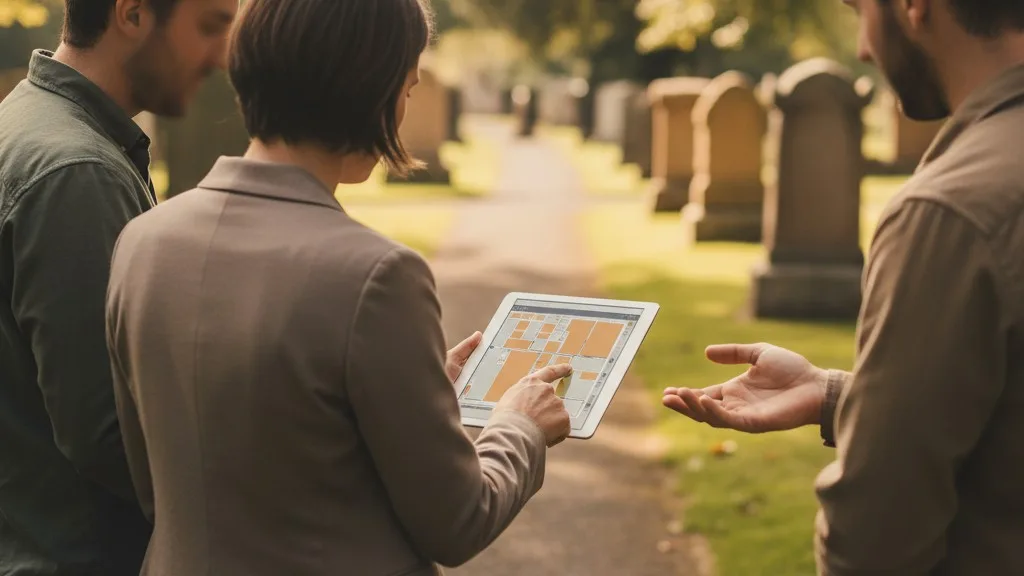
Digitizing historical cemetery records is the process of converting your paper ledgers, lot cards, and maps into a secure, searchable digital format. This project protects your cemetery's most valuable asset—its history—from fire, flood, and decay, while making daily operations far more efficient. A successful digitization project follows a structured plan: inventory and assess your records, scan the physical documents, transcribe the data into a structured system, and perform a thorough quality audit.
This guide provides a practical, step-by-step framework for managing this critical undertaking. By following these steps, you can create a single source of truth that will serve your staff, your families, and future generations for decades to come. digitize historical cemetery records
Why Digitize Historical Cemetery Records?
Digitizing your historical records is about more than just modernizing; it's a fundamental act of preservation and risk management. Paper records are vulnerable to fire, water damage, pests, and simple misplacement, which can lead to the permanent loss of irreplaceable information. A digital archive, especially when stored in cloud-based cemetery software, protects against these physical threats by creating secure, backed-up copies of every deed, interment card, and map.
Beyond preservation, digital records dramatically improve operational efficiency. Instead of searching through filing cabinets or fragile ledger books, your staff can find information about a person, space, or owner in seconds. This speed and accuracy are crucial when assisting a family, verifying ownership for a burial, or guiding a grounds crew. Centralizing your records eliminates the hidden costs and risks associated with outdated systems, such as the time wasted switching between different sources of information.
Phase 1: Planning Your Digitization Project
A successful digitization project begins with careful planning, not with a scanner. Before you digitize a single page, you need to understand the scope of the work, define your goals, and assemble the right resources. Rushing this phase often leads to inconsistent data, wasted effort, and a final product that doesn't meet your cemetery's needs.

Step 1: Inventory and Assess Your Records
Start by gathering all known records in one place. This includes everything from large, bound interment ledgers and plat maps to individual lot cards, deed books, and correspondence files. As you collect them, create a simple inventory list describing each type of record, its general condition, and its physical location. Note any records that are particularly fragile, damaged, or difficult to read. This assessment helps you prioritize the work and identify which documents may require special handling.
Step 2: Define the Scope and Goals
What does “done” look like? Your goal is to create a complete, accurate, and searchable digital version of your cemetery's history. Decide which information from your paper records is essential to capture. At a minimum, this usually includes:
- Space Information: Section, lot, and space number.
- Interment Information: Full name of the deceased, date of birth, date of death, and date of interment.
- Ownership Information: Name of the original and current lot owners, date of purchase, and any transfer history.
You may also decide to capture additional details like veteran status, marker details, or notes from the original record. Defining this “data dictionary” upfront ensures consistency, especially if multiple people are involved in data entry.
Step 3: Choose Your Team and Tools
Digitization can be a significant undertaking. Decide if your existing staff has the time and skills to perform the work or if you need to hire temporary help or a specialized service. You will also need basic equipment: a good-quality flatbed scanner for loose cards and bound books, and potentially a large-format scanner for maps. Finally, you need to choose the system where the final data will live. While spreadsheets may seem like a simple starting point, they lack the structure and security needed for permanent cemetery records. A dedicated cemetery management software platform is the best long-term solution.
Phase 2: Scanning and Imaging Your Documents
The goal of this phase is to create a high-quality digital image of every single physical record. These images serve as the archival backup and the source material for the data entry phase. Quality is paramount; a blurry or incomplete scan is often useless.
Step 1: Prepare a Clean and Organized Workspace
Set up a dedicated area for scanning to minimize the risk of damaging or losing records. Keep the scanner glass clean to avoid streaks or specks on your images. Handle fragile documents with care, using gloves if necessary to protect them from oils on your hands. Work with one record book or folder at a time to prevent items from being mixed up or scanned out of order.
Step 2: Establish Scanning Standards
Consistency is key. Before you start, decide on your scanning specifications and stick to them. For most documents, scanning in color at a resolution of 300 DPI (dots per inch) is a good standard. This provides enough detail for clear reading and printing without creating unnecessarily large file sizes. For detailed maps or records with faint handwriting, you might increase the resolution to 600 DPI.
Also, create a clear file naming convention. A logical system, such as `[RecordType]_[BookNumber]_[PageNumber].jpg` (e.g., `IntermentLedger_Book4_Page52.jpg`), makes it easy to locate the source image for any piece of data later.
Step 3: Scan Methodically
Scan documents in a logical order, such as front-to-back through a ledger book or alphabetically through a card file. After scanning each document, do a quick visual check to ensure the entire page was captured, the image is straight, and the text is legible. If scanning a bound book that won't lie flat, you may need to capture the left and right pages as separate images. Don't be afraid to rescan if the quality isn't perfect.
Phase 3: Data Entry and Transcription
This is the most labor-intensive phase of the project: turning the information from your scanned images into structured, searchable data within your chosen software system. Accuracy is the primary goal. Every piece of data should be transcribed exactly as it appears in the original record, including any apparent misspellings or notes.
Step 1: Transcribe the Core Data
Working from your scanned images, a data entry operator will manually type the information into the fields of your cemetery management software. For example, they will create a record for each interment, filling in the decedent's name, date of death, and space location (section, lot, grave). They will do the same for ownership records, linking owners to the spaces they purchased.
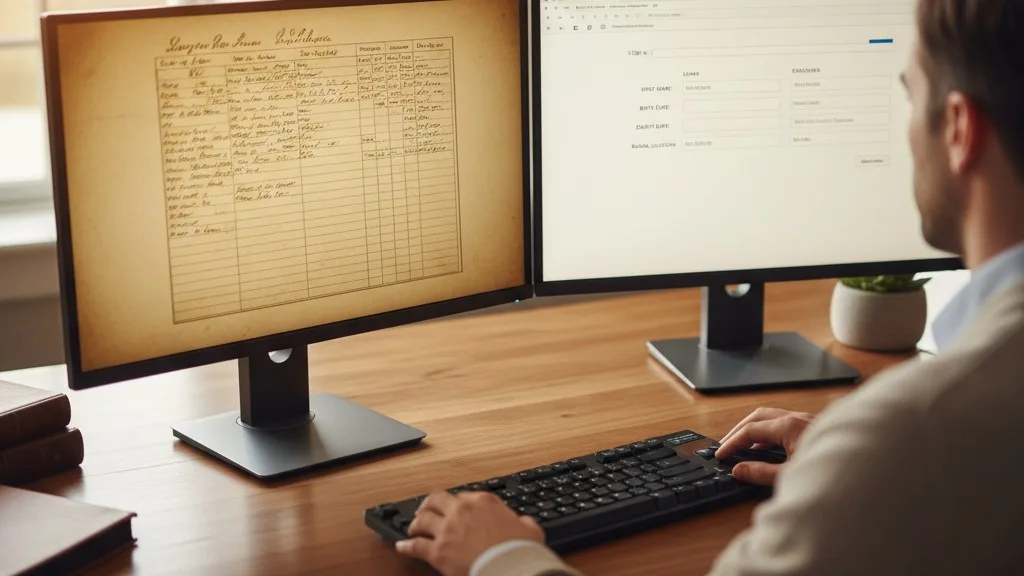
This is where your planning pays off. Having a clear data dictionary ensures that everyone knows exactly which information to capture and where it should go. It's often helpful to have two monitors: one displaying the scanned image and the other showing the data entry screen.
Step 2: Link Records and Attach Scans
A key benefit of digital records is the ability to link related information. As you enter data, link the interment record to the ownership record for that space. Modern cemetery software like Sunset allows you to create a single, unified profile for a person, connecting their role as a lot owner to their later status as an interment, preventing duplicate and conflicting entries.
Furthermore, attach the scanned image of the original document directly to the digital record it corresponds to. Attaching the scan of the lot card to the digital space record provides an immediate, auditable link back to the source. This is invaluable for resolving discrepancies and provides a permanent archival copy.
Phase 4: Quality Assurance and Auditing
No data entry process is perfect. The quality assurance (QA) and auditing phase is essential for finding and correcting the inevitable errors that occur during transcription. Skipping this step undermines the entire project and can lead to serious operational mistakes, like selling an occupied grave.
The best way to ensure accuracy is through a process called double-keying or a peer review. A second person, different from the original data entry operator, reviews each record. They compare the digital entry side-by-side with the scanned source document, checking for typos, transposed numbers, or missed information. This methodical verification is the only way to build trust in your new digital system.
This is also the perfect time to conduct a full cemetery records audit. By comparing your new digital database against the physical reality of your grounds (a process sometimes called a field audit), you can resolve historical discrepancies and create a truly reliable single source of truth for all cemetery operations.
Frequently Asked Questions
How long does it take to digitize cemetery records?
The timeline for a digitization project depends entirely on the volume and complexity of your records, as well as the resources you dedicate to it. A small cemetery with a few thousand well-organized records might complete the project in a few months with part-time staff. A large, historic cemetery with tens of thousands of records in varying conditions could take a year or more. The key is to create a realistic plan and celebrate progress along the way.
What's the biggest mistake to avoid?
The biggest mistake is treating digitization as a simple scanning project and skipping the structured data entry and quality assurance phases. Simply having folders full of thousands of image files is not a functional record system. The real value comes from having the information transcribed into a searchable, structured database where you can instantly find a person, space, or deed.
Should we transcribe errors from the original records?
Yes, the initial transcription should capture the information exactly as it appears in the original source, even with apparent misspellings (e.g., "Jon Smith" instead of "John Smith"). Good cemetery software allows you to add a corrected note or use a separate field for the corrected information while preserving the original entry. This maintains a faithful link to the source document, which is critical for historical integrity.
What do I do with the paper records after digitization?
Do not discard your original paper records after digitizing them. They are the primary source documents and may have legal or historical significance. After scanning and auditing, they should be archived in a secure, climate-controlled environment. Your digital system becomes your day-to-day working tool, while the paper records are preserved for archival purposes. Be sure to consult local and state regulations regarding record retention requirements.
Digitizing your cemetery's historical records is a significant but essential investment in its future. It safeguards your history, streamlines your operations, and improves the service you provide to families. By breaking the process down into manageable phases—planning, scanning, data entry, and auditing—you can transform your fragile paper archives into a robust, reliable, and permanent digital asset.
Ready to see how a modern software system can house your newly digitized records? We'd be happy to show you how Sunset centralizes space, ownership, and interment data in one secure platform. Book a conversation with our team today.